We converted 50 real church bulletins: here's what broke
Every Publisher file we convert gets a note about what changed. To write those notes honestly, we needed to know what actually changes. So we asked churches for real bulletins — not test files — and converted all fifty with the same pipeline you use on this site.
The short version: text, photos, columns and page order survived in every single file. The problems were fonts and decorative borders. Below is each kind of problem, how often it happened, and what to do.
The results at a glance
| Outcome | Files | Our note said |
|---|---|---|
| Converted cleanly | 41 | "Converted cleanly" |
| Font substituted | 6 | "Heading font substituted" |
| Border changed | 2 | "Check page borders" |
| Text overflow | 1 | "Check text box on page 3" |
1. Fonts that weren't there (6 of 50)
A .pub file doesn't contain its fonts — it only lists their names. If the computer doing the converting doesn't have the font, something else has to stand in. Publisher did this silently for years; we do it and tell you.
The six fonts we hit: Papyrus, Lucida Handwriting, Copperplate Gothic, Cooper Black, Monotype Corsiva, and one bulletin using Segoe UI with the space missing from its name. All six were used only for headings and the masthead.
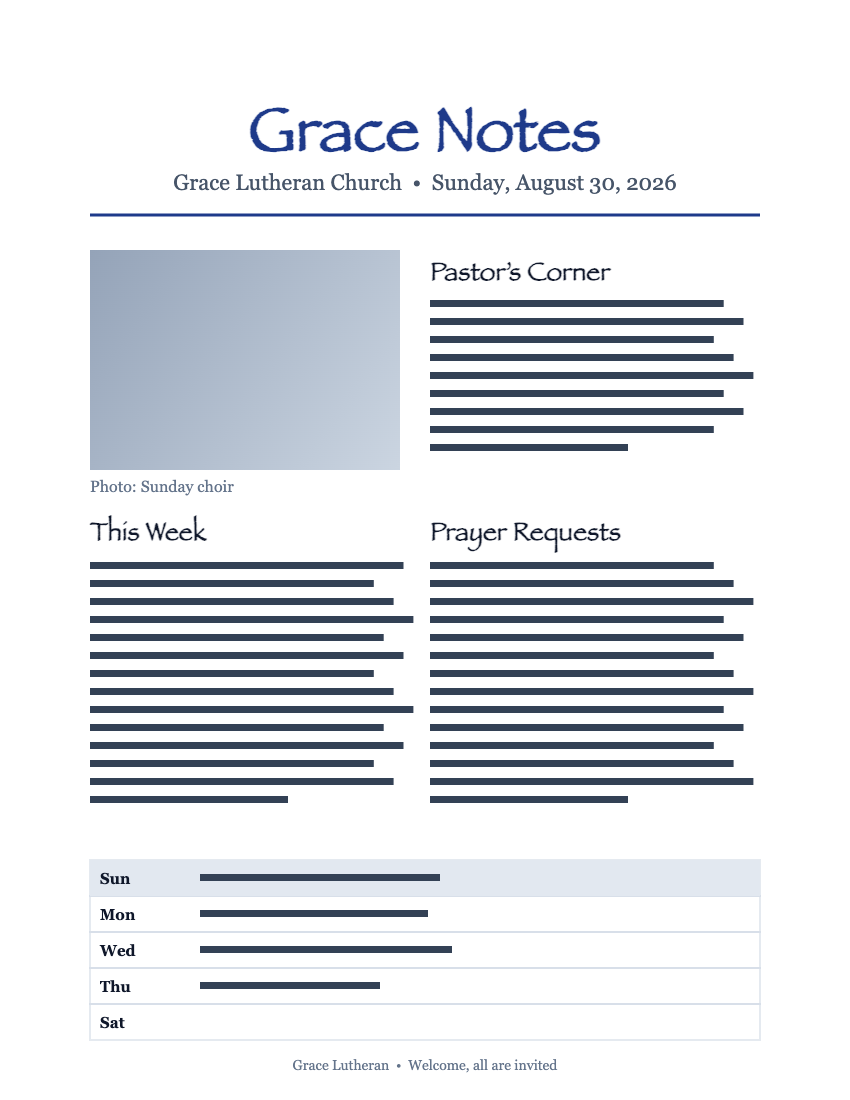
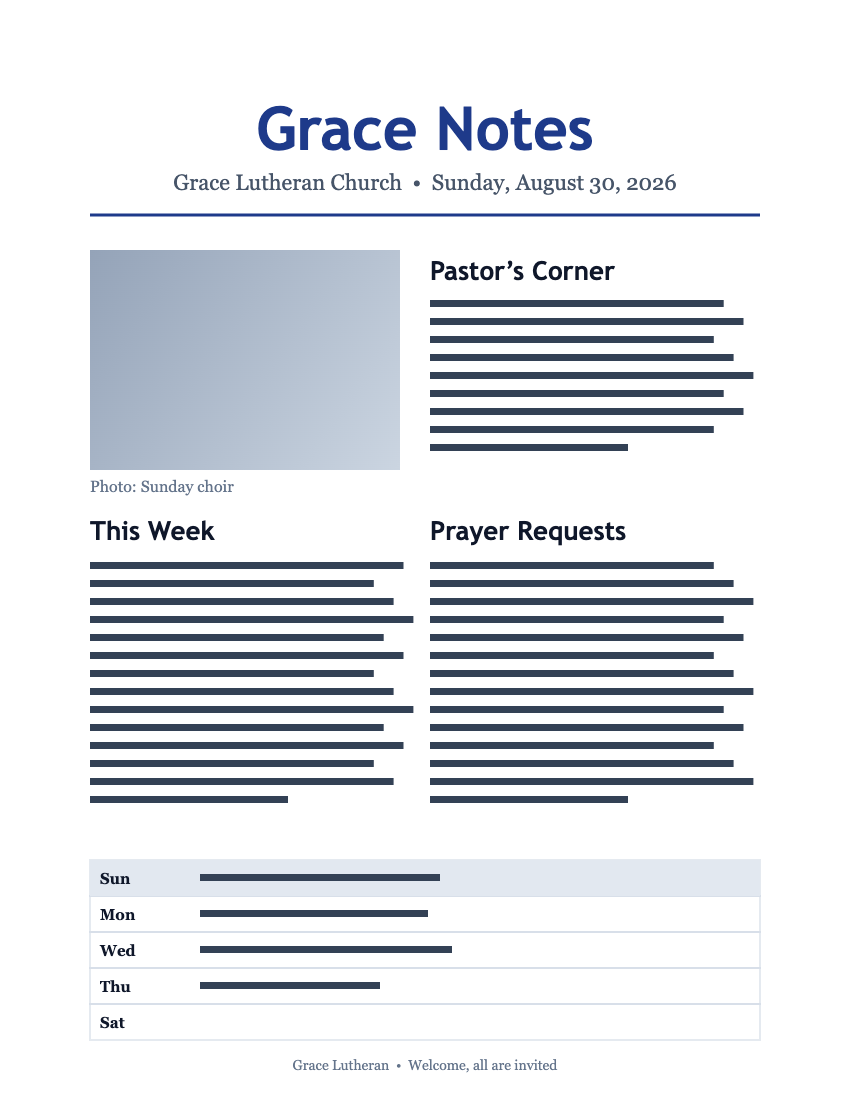
If a heading font matters to you, convert to Word (.docx) as well as PDF. In Word you can pick the font again, or install the original and it snaps back.
2. Decorative borders (2 of 50)
Publisher's BorderArt — the repeating hearts, holly and celtic knots around a page — is stored as a special border, not as a picture. Two bulletins used it. In one the border rendered thicker than the original; in the other, a Christmas holly border came out as a plain line.
If your note says "check page borders", open the PDF and look at the page edges. Everything inside the border is unaffected.
How to check your own bulletin in two minutes
- Read the note first. It tells you which pages, if any, to look at. "Converted cleanly" means we found nothing — you can skip the rest.
- Compare the masthead. That's where unusual fonts live. If it looks different, the note will name the substitute.
- Look at the page edges and the last text box. Borders and overflow show up there. Zoom to 100% — thumbnails hide it.
Questions people asked us
Why did my heading font change?
The font wasn't installed on the computer doing the conversion, so a similar one stood in. Your note names both fonts. Convert to Word as well and you can set the font back.
Can you install my font?
If you own the font file, yes — send it with the Talk to us form and we'll add it for your account's conversions.
Did any file lose text or pictures?
No. In all 50 bulletins every paragraph and every image was present in the output. One text box overflowed by a line, which the note flagged.